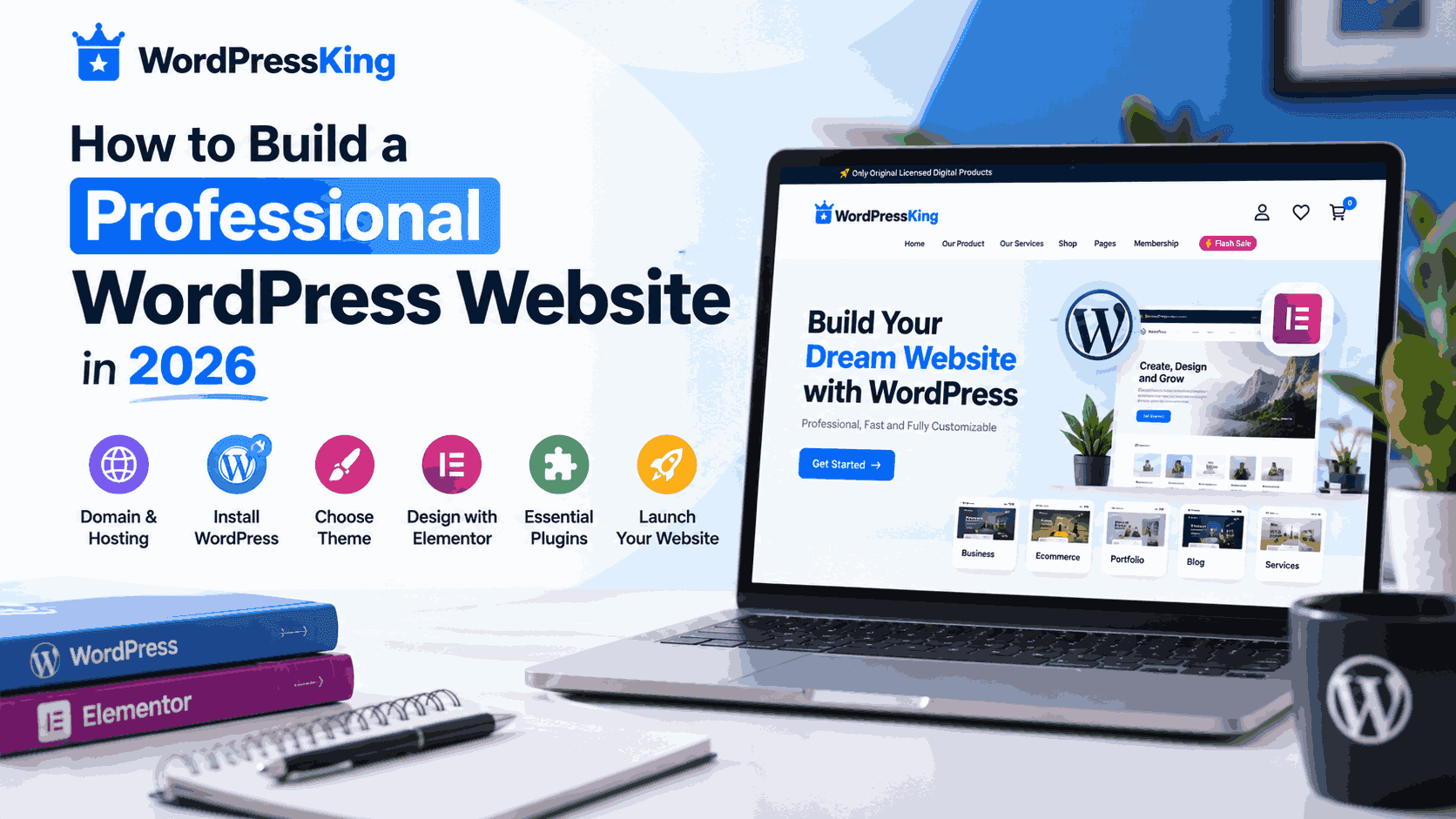
How to Build a Professional WordPress Website in 2026
Building a professional website in 2026 is easier than ever with WordPress. Whether you want to create a business website, portfolio, blog, or online store, WordPress provides the flexibility and tools you need. With reliable hosting, a suitable theme, and thoughtful design, you can build a modern, responsive website without advanced coding skills.
1. Choose a Domain Name and Reliable Hosting
Your domain name represents your brand online, while hosting stores your website files and makes them accessible to visitors. Choose a memorable domain and hosting that offers good performance, SSL support, security features, and dependable customer service.
Beginners may find managed WordPress hosting useful because it simplifies setup and routine maintenance.
2. Install WordPress
After purchasing your domain and hosting, install WordPress through your hosting control panel. Many providers offer a straightforward installation process. Once installed, use your WordPress dashboard to manage pages, posts, themes, plugins, menus, and website settings.
3. Choose a Professional WordPress Theme
Your theme influences your website's layout, appearance, and overall user experience. Choose a responsive, lightweight theme that matches your business goals and supports the features you need.
Keep your design consistent with a limited color palette, readable typography, clear navigation, and well-organized page sections.
4. Design Your Website with Elementor
Elementor provides a visual drag-and-drop editor that helps you create attractive pages without manually writing code. You can design homepages, service sections, landing pages, and contact pages using customizable elements.
Focus on a clear page structure, useful content, mobile-friendly layouts, and visible calls to action. Avoid unnecessary animations and design elements that distract visitors.
5. Install Essential WordPress Plugins
Plugins add useful features to your website. Install only reputable plugins that serve a clear purpose.
- SEO: Help optimize your content for search engines.
- Security: Add protection against common website threats.
- Backup: Maintain recoverable copies of your website.
- Performance: Improve loading speed with suitable optimization tools.
- Contact Forms: Make it easier for visitors to reach your business.
6. Optimize for Mobile, Speed, and SEO
Make sure your website works smoothly on smartphones, tablets, and desktops. Compress images, use appropriate caching, and remove unnecessary scripts where possible.
For SEO, write descriptive page titles, use logical headings, create readable URLs, add meaningful image alt text, and publish genuinely useful content. Google Search Console can help you monitor indexing and search performance.
7. Test Before Launching
Before launching, test your links, forms, menus, images, and buttons. Confirm that SSL is active, pages display correctly on mobile devices, and backups are configured. Review your content carefully to provide visitors with a professional first impression.
Conclusion
A successful WordPress website combines reliable hosting, a suitable theme, essential plugins, good performance, and user-focused design. Follow these steps to build a professional online presence that supports your brand and business goals.
Build Your Website with WordPressKing
Explore WordPress products, digital tools, and website services to help you create and grow your online presence.